Eloqua CRM integration

Advanced Eloqua Salesforce Integration for serious marketing and sales teams

I design and deliver clean and reliable Eloqua Salesforce Integration. Whether you need a brand new integration or a complete rescue job, everything is built with strong data architecture, accurate mappings and dependable sync logic that your teams can trust.

Explore integration services
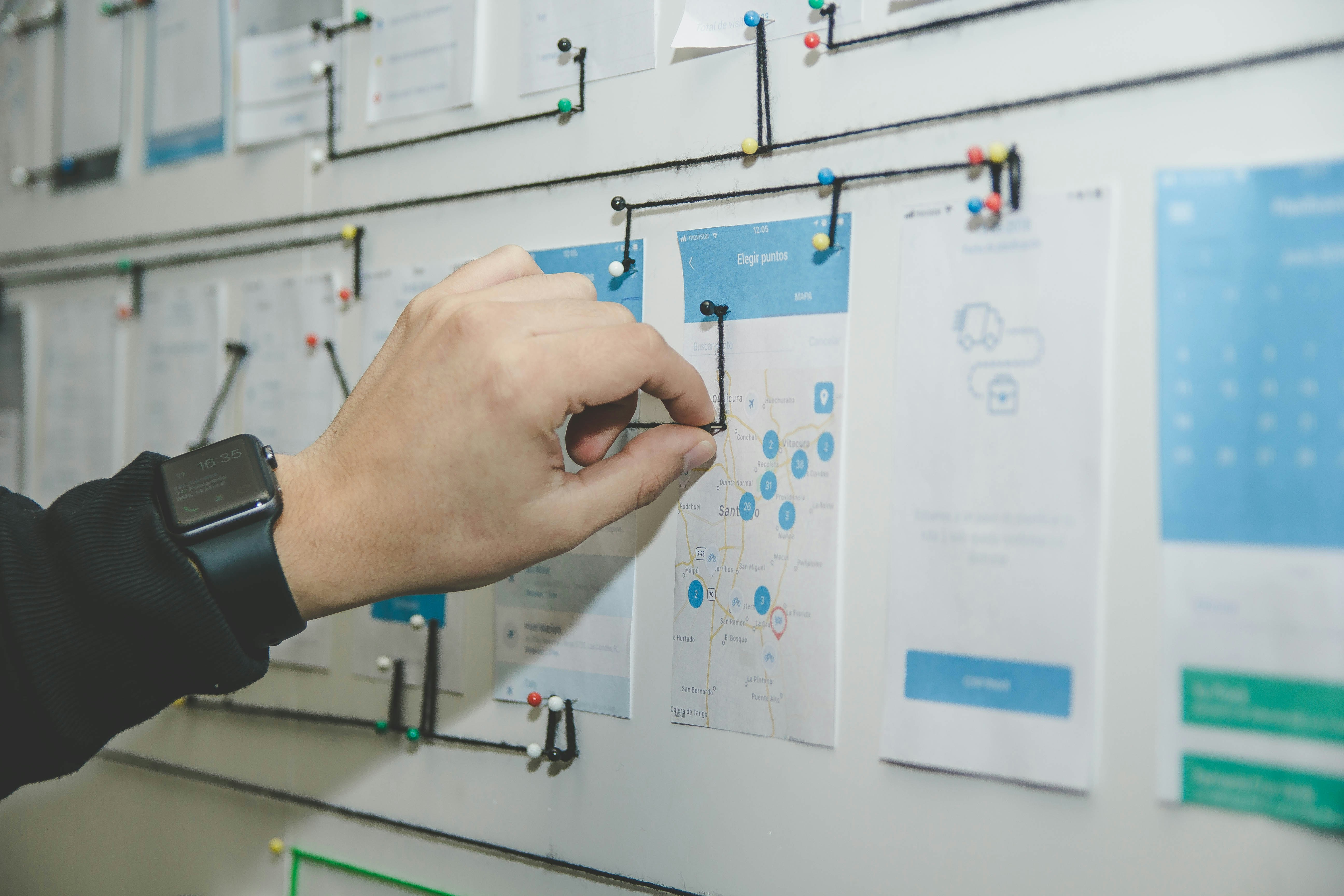
Eloqua Salesforce Integration workflow on screen.

Why a clean Eloqua Salesforce Integration is essential

Modern revenue teams live and die by data flow. If Eloqua cannot speak cleanly with Salesforce, Oracle Sales Cloud or Microsoft Dynamics, you lose visibility, your reports start to drift away from reality and your sales users stop trusting the tools you have given them.

A well designed Eloqua SFDC integration gives you one shared source of truth. Sales sees the right leads at the right time. Marketing sees real campaign performance. Operations stops spending mornings firefighting sync errors and mystery duplicates.

This is the work I am brought in to fix repeatedly, which means I have a refined, opinionated approach to Eloqua Salesforce Integration that is fast to deliver and robust enough for enterprise scale.

A clear promise on Eloqua SFDC integration

  • • A standard Eloqua Salesforce Integration should take around two weeks.
  • • We set up sessions with your marketing team, sales team and Salesforce administrator.
  • • I produce a technical specification for you to review and approve.
  • • We build, test and document the integration before go live.
  • • You get test scripts, a validation plan and a sensible rollout approach.

How I approach Eloqua Salesforce Integration

1. Define Eloqua SFDC integration

Working with Sales and Marketing, we map your integration flow from first touch through to opportunity and revenue. The goal is to make sure everyone agrees what a good record looks like before a single sync runs.

  • • Workshops with Marketing, Sales and CRM owners
  • • Data dictionary and field mapping
  • • Object model across Eloqua and Salesforce
  • • Matching rules and duplicate prevention strategy

2. Deploy

My team builds, tests and documents your Eloqua Salesforce Integration before we hand it back to your Eloqua technical owners. We keep improving until you are genuinely comfortable with every part of it.

  • • Eloqua Integration Studio or Salesforce Integration App
  • • Program Canvas flows for lead and contact routing
  • • Test scripts and edge case checks
  • • Controlled go live with monitoring and fallback options

3. Enable

When you are ready to own your Eloqua SFDC integration internally, I train the people you nominate and hand everything over with clear sign off and acceptance criteria, not a vague handwave.

  • • Training for Eloqua and Salesforce administrators
  • • Playbooks for changes and troubleshooting
  • • Governance and change control recommendations
  • • Documentation that your team can actually use

Reliable Eloqua SFDC data synchronisation

Data can be pulled from any salesforce.com object and its related objects. Eloqua supports integration with Professional, Enterprise and Unlimited editions of Salesforce and can be tuned for your volume and your operating model.

Eloqua pulls all recently modified and newly created Leads and Contacts into Salesforce and updates the related records within Eloqua. This includes changes such as deleted Leads and Leads converted to Contacts.

When visitors submit web forms, they are checked against the Eloqua database so you avoid duplicate Lead records in Salesforce. As people update their details through these forms, new information is pushed into Salesforce and the related record is updated.

Under the hood

  • • Structured Integration Studio orchestrations
  • • Programmatic traffic control for Leads and Contacts
  • • Error handling and logging that someone can actually act on
  • • Duplicate prevention using shared keys and sensible matching rules
  • • Clear operational runbooks for your internal team

This is the difference between a sync that sort of behaves and a professional Eloqua Salesforce Integration that feels like a first class, out of the box connection.

Prospect and activity data synced the right way

Synch prospect data

An effective Eloqua integration synchronises the key data elements that allow you to maximise the combined value of your marketing campaigns and Salesforce.

  • • Leads
  • • Contacts
  • • Accounts
  • • Campaigns
  • • Campaign members
  • • Opportunities
  • • Custom Objects

This is the backbone of your Eloqua SFDC integration and the foundation for accurate attribution and reporting.

Synch activity data

Eloqua tracks digital behaviour and can write that activity back into Salesforce so sales users can see who is active and what content is resonating before they pick up the phone.

  • • Website visits
  • • Form submissions
  • • Email opt out or unsubscribe
  • • Email bounceback
  • • Email clickthrough

That turns a static record into a living activity stream that helps Sales prioritise who they contact next and how they open the conversation.

Beyond Salesforce

Oracle Sales Cloud integration

If you stay inside the Oracle CX ecosystem, I design Eloqua integrations with Oracle Sales Cloud that behave like a natural part of your stack. That includes object mapping, activity writeback, naming conventions and clear ownership so people are not guessing which field does what.

  • • Mapping and ownership model
  • • Activity writeback strategy
  • • Rollout and operational runbooks

Microsoft Dynamics 365 integration

If you are standardising on Microsoft, I bring the same clarity to Eloqua and Dynamics 365 CRM. You get clear mappings, well behaved syncs and meaningful activity data that Sales can actually use in their daily work.

  • • Clean mappings and sync behaviour
  • • Error handling and support playbook
  • • Consistent lead and contact lifecycle

The core playbook is the same everywhere. Whether you need Eloqua Salesforce Integration, Eloqua Oracle Sales Cloud integration or Eloqua Dynamics integration, the aim is to remove fragility, reduce noise and build a marketing to sales data flow that will still make sense several years from now.

Why bring me in for Eloqua Salesforce Integration

I live at the intersection of Marketing Operations, CRM and engineering. I am not just wiring up a couple of syncs and hoping they behave. I design a data flow that Sales, Marketing and Management can all trust and understand.

  • • I move quickly without hacking things together.
  • • I speak Sales, Marketing and technical equally well.
  • • I design for long term stability, not just launch day.
  • • I document and explain everything in clear language.
  • • I am calm under pressure and allergic to flaky integrations.

Most clients come to me after they have been burned by a rushed or half understood Eloqua SFDC integration. The good news is that almost all of those projects are recoverable with the right architecture and a bit of discipline.

My job is to make the complicated parts feel simple, give you back control and leave you with an integration that feels like a natural, well behaved part of your sales and marketing stack.

Eloqua Salesforce Integration FAQs

What typically breaks in an Eloqua SFDC integration

The usual culprits are field ownership confusion, loose matching rules, duplicate prevention that is not enforced consistently, and changes in Salesforce objects or validation rules that silently start rejecting updates.

Can you fix an existing Eloqua Salesforce Integration without rebuilding

Yes. Many integrations can be stabilised by correcting mappings, tightening matching rules, improving error handling, and standardising how Leads and Contacts move between systems without ripping everything out.

How do you avoid duplicates between Eloqua and Salesforce

You need a clear shared key strategy, predictable matching logic, and strict ownership of the fields used for matching. If those rules are fuzzy, duplicates are inevitable at scale.

Do you support Oracle Sales Cloud and Dynamics 365 too

Yes. The object models and connectors differ, but the integration principles remain the same: clean mappings, controlled ownership, robust error handling and documentation your team can operate.

What do you need from us to start

Access to Eloqua and Salesforce sandboxes where possible, a list of key objects and fields, your current lead management process, and a short session with the people who own Marketing Ops and CRM administration.

How do you handle testing and go live

You get test scripts, edge case coverage, a validation plan, and a controlled rollout with monitoring so you are not discovering failures after campaigns are already live.

Ready to build or fix your Eloqua Salesforce Integration

If you want a clean and predictable Eloqua SFDC integration and you are tired of guessing what your syncs are doing, let us talk. I will walk through your current architecture, show you the quickest route to stability and agree a sensible, time boxed plan to get you there.